A Code Map Instead of Dozens of MCP Tools for Coding Agents
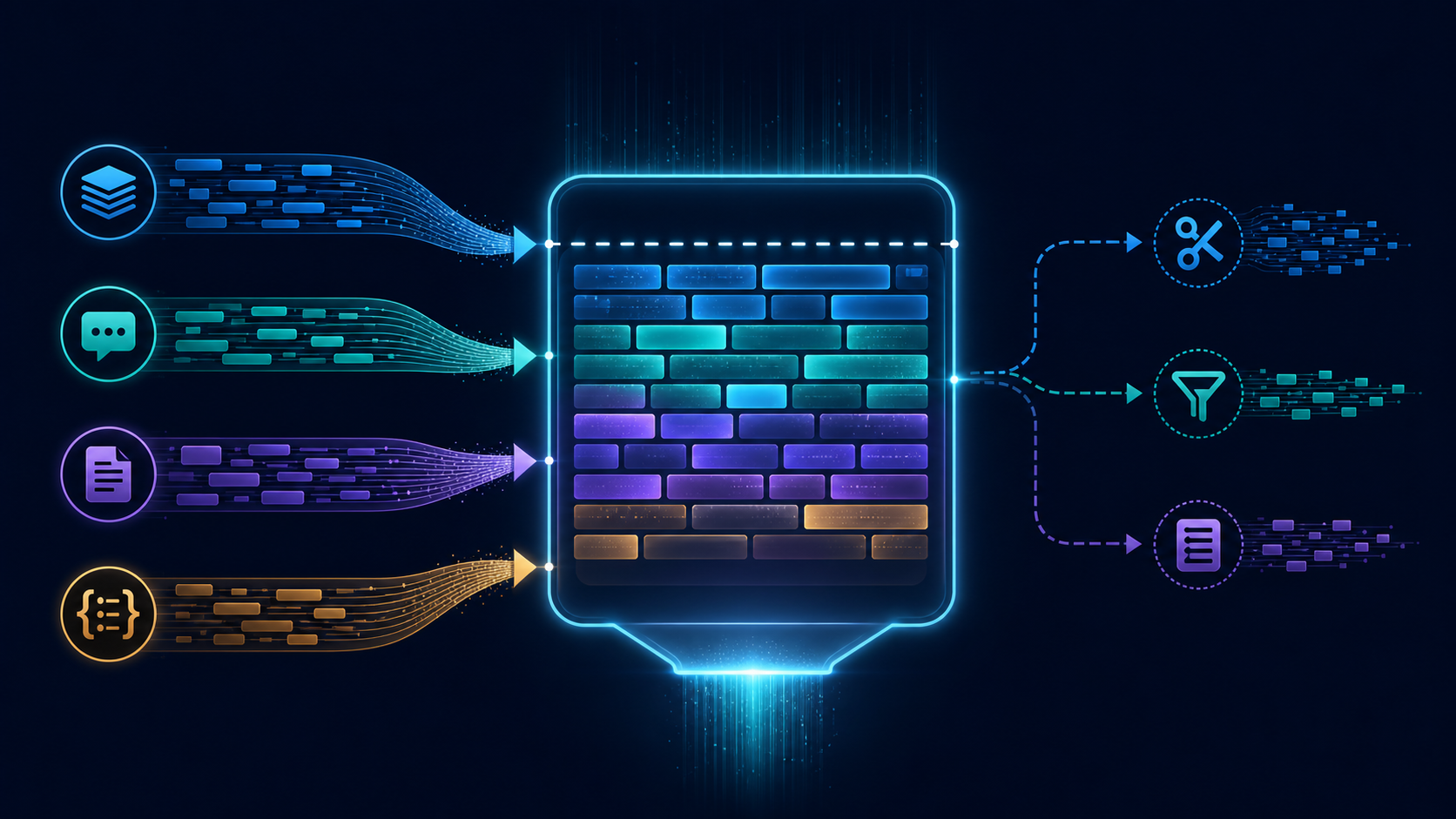
When an agent has to trace a function through a large repository, the expensive part is often not the final answer. It is the navigation: searching for a symbol, opening a file, following an import, searching again, and repeatedly reloading context that has already been inferred. A compact repository graph can turn that navigation into a small number of targeted lookups.
This article presents a reproducible setup for an repository graph, using a Python example because the call relationships are easy to inspect. It also defines a measurement method for comparing graph navigation with grep-based search and sequential file reading. The commands below are a method, not a report of results: no repository benchmark was run for this article, and the example numbers are intentionally omitted.
The navigation problem
Suppose an agent receives a task such as:
“Find where an incoming order becomes an invoice, then identify the validation and persistence functions involved.”
A conventional workflow may look like this:
- Search for
create_invoice. - Read the containing file.
- Find the caller.
- Open the caller’s module.
- Resolve an imported helper.
- Repeat until the relationship is clear.
Each step creates new context-window pressure. The agent may need only a few lines from each file, but a tool interface commonly returns whole files, broad search matches, or repeated directory listings. The problem is not that search is incorrect. It is that search exposes text while the task asks about structure.
A graph changes the unit of navigation. Instead of asking “which files contain this string?”, the agent can ask:
- Which functions call
create_invoice? - Which functions does
create_invoicecall? - Where is the symbol defined?
- Which module owns the definition?
- What is the shortest path between two symbols?
The graph does not replace source code. It narrows the source-code reading set.
What the graph should contain
For agent navigation, a useful first graph needs only a small schema:
nodes(
  id,
  kind,
  name,
  qualified_name,
  file,
  line
)

edges(
  source_id,
  target_id,
  kind
)
Typical node kinds are functions, classes, methods, modules, and files. Typical edge kinds are:
defines: a module or class defines a symbol.calls: one function invokes another.imports: one module imports another.inherits: one class derives from another.
Start with definitions and calls. Imports and inheritance are useful later, but adding every possible relation before measuring the navigation task makes the experiment harder to interpret.
A reproducible Python setup
The following setup uses pyan3 to extract Python definitions and calls, Graphviz to render a visual inspection artifact, and SQLite to provide a compact query surface. These tools are examples of an implementation path; their output should be checked against the repository’s language features before being treated as authoritative.
1. Create an isolated environment
python3 -m venv .venv
. .venv/bin/activate
python -m pip install --upgrade pip
python -m pip install pyan3
Install Graphviz separately if you want a rendered image. On Debian or Ubuntu, one possible command is:
sudo apt-get install graphvizDo not put credentials, production configuration, or private repository contents into a public benchmark directory. The graph may expose internal names even when it contains no source code.
2. Generate a raw call graph
From the repository root, select the application package explicitly. Replace src/myapp with the directory that should be analyzed.
pyan3 src/myapp/**/*.py \
  --uses \
  --defines \
  --colored \
  --dot \
  > artifacts/call-graph.dot
Shell glob behavior differs across environments. If the command does not expand recursive globs, use a file list:
find src/myapp -name '*.py' -print0 \
  | xargs -0 pyan3 --uses --defines --dot \
  > artifacts/call-graph.dot
Render the graph for a human sanity check:
dot -Tsvg artifacts/call-graph.dot \
  -o artifacts/call-graph.svg
A successful command is not proof that the graph is complete. Inspect a few known functions and compare their actual callers with the generated edges.
3. Load a compact query database
The DOT file is convenient for visualization but inconvenient for repeated agent queries. A small import script can store the graph in SQLite. The exact parser depends on the pyan3 version and DOT output, so treat the following as a deliberately narrow adapter: it supports simple quoted node and edge lines and should be extended only after inspecting the generated file.
# tools/dot_to_sqlite.py
import re
import sqlite3
import sys
from pathlib import Path

DOT_NODE = re.compile(
    r'^\s*"([^"]+)"\s+\[.*?label="([^"]+)".*\];\s*$'
)
DOT_EDGE = re.compile(
    r'^\s*"([^"]+)"\s+->\s+"([^"]+)".*;\s*$'
)

def main(dot_path, db_path):
    conn = sqlite3.connect(db_path)
    conn.executescript("""
    create table if not exists nodes (
      id text primary key,
      label text not null
    );
    create table if not exists edges (
      source_id text not null,
      target_id text not null,
      kind text not null default 'calls'
    );
    create index if not exists edges_source on edges(source_id);
    create index if not exists edges_target on edges(target_id);
    """)

    for line in Path(dot_path).read_text().splitlines():
        node = DOT_NODE.match(line)
        if node:
            conn.execute(
                "insert or replace into nodes(id, label) values (?, ?)",
                node.groups()
            )
            continue

        edge = DOT_EDGE.match(line)
        if edge:
            conn.execute(
                "insert into edges(source_id, target_id) values (?, ?)",
                edge.groups()
            )

    conn.commit()
    conn.close()

if __name__ == "__main__":
    if len(sys.argv) != 3:
        raise SystemExit(
            "usage: python tools/dot_to_sqlite.py graph.dot graph.sqlite"
        )
    main(sys.argv[1], sys.argv[2])
Run it with:
mkdir -p artifacts
python tools/dot_to_sqlite.py \
  artifacts/call-graph.dot \
  artifacts/call-graph.sqlite
The adapter is intentionally conservative. If the DOT labels contain escaped quotes, HTML labels, or multiple node categories, the importer may need a repository-specific parser. That is a failure case to detect, not silently ignore.
Queries an agent can use
A graph-backed tool does not need dozens of operations. A small read-only interface can expose a few parameterized queries.
Find a symbol
select id, label
from nodes
where id like '%' || :term || '%'
   or label like '%' || :term || '%'
order by id
limit 20;
Find callers
select e.source_id, n.label
from edges e
left join nodes n on n.id = e.source_id
where e.target_id = :symbol
order by e.source_id;
Find callees
select e.target_id, n.label
from edges e
left join nodes n on n.id = e.target_id
where e.source_id = :symbol
order by e.target_id;
Return a small neighborhood
select e.source_id, e.kind, e.target_id
from edges e
where e.source_id = :symbol
   or e.target_id = :symbol
limit 100;
These queries are intentionally bounded. A tool should return identifiers, labels, file paths, and line numbers first. The agent can then request the relevant source ranges. Returning a complete connected component is often just another form of context flooding.
Keep graph lookup separate from source reading
The practical pattern is:
graph lookup
    ↓
candidate symbols
    ↓
small source ranges
    ↓
semantic verification
    ↓
answer or patch
The graph answers “what is connected?” Source reading answers “what does this code actually do?” A call edge may be wrong because of dynamic dispatch, decorators, reflection, generated code, conditional imports, or parser limitations. The graph should therefore be treated as a navigation index, not as a substitute for execution or review.
How to measure the comparison
The useful comparison is not “which tool feels faster?” Define a fixed tracing task and record the same fields for each navigation method.
Choose representative tasks
Prepare at least three tasks with known answers. For example:
- Trace a request handler to the function that writes an invoice.
- Find all callers of a validation function and identify the production path.
- Trace a background job through a service layer into a repository method.
Do not choose tasks only because they are easy for the graph. Include at least one path involving an indirect call or framework convention, because that exposes the graph’s limits.
Fix the starting conditions
For every method, begin with the same:
- repository revision;
- task description;
- symbol or entry point, if the task specifies one;
- maximum wall-clock time;
- tool timeout;
- definition of a correct answer.
Use a clean working tree and record the commit identifier. Do not compare a graph generated from one revision with source files from another.
Compare three navigation modes
Mode A: grep plus file reading. Permit recursive search and opening files. Record every search query, every file or source range returned to the agent, and the total text passed into the model.
Mode B: graph plus targeted file reading. Permit the graph queries above and source-range reads. Record graph rows returned, source lines returned, and the same total text metric.
Mode C: file reading baseline. Permit directory listing and direct file reads but no graph or text search. This is useful as a deliberately inefficient baseline when the repository is unfamiliar.
Record comparable metrics
task_id,mode,success,elapsed_ms,
search_calls,graph_calls,
files_opened,source_lines_returned,
result_chars,estimated_tokens,
wrong_turns,notes
Use the same tokenizer for every mode if token counts matter. If the model’s tokenizer is unavailable, record character count or byte count and label it clearly as a proxy. Do not present a character count as a token count.
For a simple token proxy, keep the calculation separate from the experiment:
python - <<'PY'
from pathlib import Path

text = Path("artifacts/transcript.txt").read_text()
print({
    "characters": len(text),
    "bytes": len(text.encode("utf-8")),
    "rough_4_chars_per_token_proxy": len(text) / 4
})
PY
The final field is only a rough heuristic. It is useful for a before-and-after comparison when the same encoding is used consistently, but it is not a tokenizer measurement.
Define success before running
A tracing task should count as successful only if the answer contains the required relationship and the supporting source location. For example:
success =
  target_function_identified
  and complete_path_returned
  and source_location_verified
Record partial paths separately. An agent that finds the right endpoint by reading half the repository has not produced the same result as an agent that finds and verifies the path with a small neighborhood lookup.
Verification checks for the graph
Before using the graph as an agent dependency, run checks that can expose silent incompleteness.
Check known definitions
sqlite3 artifacts/call-graph.sqlite \
  "select id, label from nodes where label like '%create_invoice%';"
Verify the result against the source file and line number. If the graph has no line information, add it to the extraction format or keep source lookup as a required second step.
Check known callers and callees
sqlite3 artifacts/call-graph.sqlite \
  "select source_id, target_id from edges
   where target_id like '%create_invoice%';"
Pick a small sample of edges and inspect the corresponding source. This catches malformed DOT parsing, namespace collisions, and accidental edge duplication.
Check graph freshness
Store the analyzed commit beside the database:
git rev-parse HEAD > artifacts/repository-revision.txtAt query time, compare that value with the working revision. A stale graph can be worse than no graph because it gives precise-looking answers about code that no longer exists.
Check parser coverage
Use a small fixture directory containing decorators, nested functions, imported aliases, class methods, and conditional imports. The fixture should have an expected set of nodes and edges checked into the benchmark. If the extractor misses a construct, document the miss and exclude that construct from claims about coverage.
Failure cases
Dynamic dispatch
When a function is selected through a registry, dependency injection container, plugin table, or reflection, a static call graph may not know the runtime target. The graph can identify the registry and nearby definitions, but runtime or test evidence may be necessary to resolve the path.
Generated code
Frameworks may generate routes, serializers, ORM methods, or client code. The source graph may show declarations without the generated relationship. Include generated artifacts only if they are stable, reproducible, and part of the repository’s intended build.
Aliases and re-exports
Two names can refer to one object, or one exported name can hide the defining module. Normalize qualified names where possible, but preserve the original file and line location so the agent can verify the result.
Parser and language-version mismatch
A graph extractor that parses an older language version may skip newer syntax or fail on valid files. Pin the interpreter and extractor versions used for the benchmark. A successful process exit is not enough; inspect warnings and node counts.
Large connected components
Framework bootstrap code can connect hundreds or thousands of symbols. Do not return the entire component by default. Add depth limits, edge-kind filters, result limits, and pagination.
Limitations of the method
This setup is intentionally narrow. It focuses on static function relationships in Python and does not establish accuracy for other languages. A production repository may need language-specific indexers, a language server, build metadata, type information, or runtime traces.
The comparison also measures navigation efficiency, not total engineering quality. A graph may reduce returned context while increasing setup and maintenance cost. It may also make an incorrect relationship look authoritative. The right question is not whether a graph eliminates source reading; it is whether it helps the agent reach the correct source locations with fewer irrelevant reads.
Finally, tool-call count is not the same as context cost. One broad call can be more expensive than several small calls. Report both call count and returned content size.
A minimal operating policy for coding agents
A practical policy can be expressed as five rules:
- Use the graph first for symbol discovery and relationship tracing.
- Limit graph responses to identifiers, locations, edge kinds, and bounded neighborhoods.
- Read source ranges only after selecting candidate symbols.
- Verify graph-derived paths in source before making a code change.
- Regenerate or invalidate the graph when the repository revision changes.
This gives the agent a small, stable navigation surface instead of a long menu of overlapping tools. The graph is not another general-purpose MCP server with every repository operation attached. It is a focused index with a measurable job: reduce irrelevant context while preserving enough evidence to verify the path.
Conclusion
A code map is valuable when the agent’s task is relational: callers, callees, ownership, inheritance, or paths through a service. The reproducible approach is to build a bounded graph, expose a few read-only queries, fetch targeted source ranges, and measure success and returned content on fixed tracing tasks.
Do not claim a reduction until the repository, revision, tasks, tokenizer, and logging method are recorded. Run the same tasks through grep-based search, graph-assisted navigation, and a file-reading baseline. Then report the measured trade-off: setup cost, correctness, elapsed time, tool calls, and context volume.
For related terminology, see the Agent Lab Journal glossary. Continue with the coding-agent guides.