Privacy-Focused AI Coding Tools: Comparing Cline, Aider, and Zed
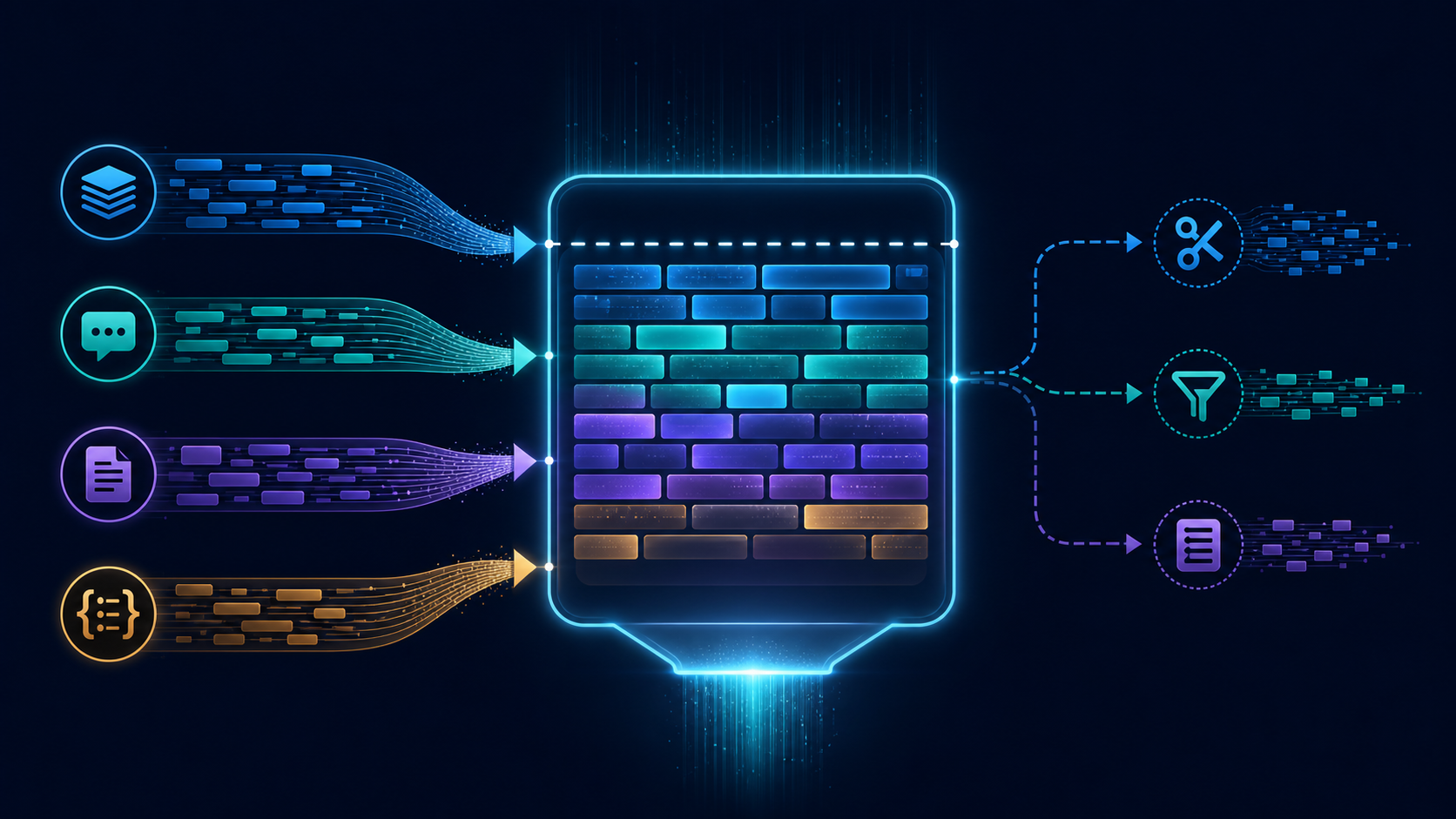
When a commercial AI coding service changes its availability, pricing, or terms, the practical question is not whether to stop using AI. It is how to keep a useful workflow while moving the model, prompts, and source code closer to your own machine. This guide gives you a repeatable way to compare Cline, Aider, and Zed on the same repository, with special attention to local-model support, edit quality, Git integration, and day-to-day usability.
This is a test protocol, not a claim that one tool is universally best. No benchmark was run for this article, and no result below should be read as a measured score. The goal is to help you run a fair comparison in your own environment and record evidence that remains useful when models, extensions, or editor versions change.
The real problem: portability under changing terms
A developer who relies on a hosted coding assistant usually depends on several layers at once: an interface, a model provider, an account, a context window, an approval mechanism, and a way to review changes. A change in any one of those layers can interrupt the workflow.
A more resilient setup separates the workflow from the provider. Keep the repository and Git history local, choose a model endpoint that can be replaced, and make every AI-generated change reviewable as an ordinary patch. This does not make local inference automatically private or safe: logs, telemetry, network access, model servers, and editor extensions still need inspection.
The comparison in this article therefore treats local models as one part of a larger system. A tool can connect to a local endpoint and still expose data through another integration. Verify the complete path before using confidential source code.
What is being compared?
Cline, Aider, and Zed represent three different interaction styles. The exact behavior depends on the installed version, model, endpoint, and configuration, so the descriptions below are comparison categories rather than verified product claims.
| Dimension | Cline | Aider | Zed |
|---|---|---|---|
| Primary interaction | Editor-centered agent workflow | Terminal-centered coding assistant | Editor-centered AI workflow |
| Local-model question | Can it reach the selected local or self-hosted endpoint? | Can it use the selected endpoint and preserve predictable request settings? | Can its configured provider connect to the selected local endpoint? |
| Edit review | Inspect proposed file operations and the resulting diff | Inspect the patch in the terminal and through Git | Inspect editor changes and the repository diff |
| Git workflow | Record whether status, diff, and commit review are easy to perform | Record how naturally the assistant works alongside ordinary Git commands | Record how quickly a developer can move from generated edit to reviewed commit |
| Usability risk | Broad agent actions may require careful permission review | Terminal context can be explicit but less visual | Provider and editor configuration may be the main setup variable |
The table is intentionally phrased as a checklist. It does not assert that a particular version passes or fails any row.
Build a fair test
Use one small repository that contains enough structure to expose navigation, testing, and editing mistakes. A compact web service, command-line utility, or library is usually better than a large production codebase because every change can be reviewed manually.
Record the following before testing:
- Operating system and architecture.
- Tool versions and editor version.
- Model name, quantization if applicable, context limit, and inference server.
- Whether requests leave the machine.
- Repository commit identifier.
- Temperature or equivalent sampling settings, if exposed.
- Test command and lint command.
Do not compare a large hosted model with a small local model and call the difference a tool result. For a tool-focused test, keep the model and task constant whenever possible. If the tools require different model interfaces, document that as a limitation.
Prepare the repository
Start from a clean working tree and create a disposable branch. Replace the example directory and commands with values appropriate to your repository.
git clone https://example.invalid/sample-project.git
cd sample-project
git switch -c ai-tool-comparison
git status --short
git rev-parse HEAD
The URL above is illustrative and is not a repository used by this article. In a real test, use a repository you are authorized to inspect and do not place credentials, private keys, customer records, or personal data in the prompt context.
Add a small task file outside the production source if useful. For example:
# comparison-task.md

1. Find the function that parses configuration.
2. Add validation for a missing required field.
3. Add or update tests for valid and invalid input.
4. Run the existing test command.
5. Explain the files changed and any remaining uncertainty.
Keep the task identical across all three tools. Reset to the same commit before each run:
git restore .
git clean -fd
git reset --hard <baseline-commit>
git status --short
The reset command is destructive to uncommitted changes in the selected repository. Use it only in a disposable test checkout or after confirming that the working tree contains nothing you need.
Connect a local model without hiding the important variables
Local inference setups vary widely. Some expose an OpenAI-compatible HTTP API; others use a provider-specific protocol. The important reproducibility detail is not a particular product name but the endpoint, model identifier, authentication mode, and network boundary.
Record a configuration in this form, keeping secrets out of the article and test notes:
MODEL_ENDPOINT=http://127.0.0.1:PORT/v1
MODEL_NAME=your-local-model
MODEL_API_KEY=stored-outside-the-repository
A loopback address such as 127.0.0.1 is only an example. Confirm that the inference server is actually bound locally, that the editor or terminal client can reach it, and that no proxy or relay is forwarding requests elsewhere.
For each tool, capture a redacted configuration summary:
- Provider or adapter name.
- Base URL with secrets removed.
- Model identifier.
- Context and output limits.
- Whether tool calls, shell commands, or file access are enabled.
- Any telemetry or request logging setting you changed.
Never paste a real API key into a repository file, screenshot, issue, prompt transcript, or shell history. If a tool requires a credential, use an environment variable or its documented secret store and redact the value in your notes.
Use the same task sequence
1. Repository orientation
Ask the tool to identify the likely entry point, relevant tests, and commands it would run. Do not ask it to edit files yet. Record whether it cites real paths and whether it distinguishes observation from assumption.
Example prompt:
Inspect this repository for the configuration parser task.
Do not change files. Identify the relevant implementation,
tests, and test command. State what you are uncertain about.
Evidence to record:
- Correct files identified.
- Incorrect or invented paths.
- Commands proposed.
- Whether the tool read more files than necessary.
2. Small, targeted edit
Use a change with a clear expected behavior, such as rejecting a missing required field and adding two tests. Ask for a plan first if the tool supports that workflow. Then approve only the files needed for the task.
Record:
- Whether the edit preserves the existing style.
- Whether tests cover both the new behavior and a valid case.
- Whether unrelated files changed.
- Whether the tool explains assumptions before making a consequential change.
3. Test execution and repair
Ask the tool to run the repository’s existing test command. Keep the original failure output. If the test fails, allow one repair attempt and record whether the repair addresses the cause or merely suppresses the failure.
# Examples only; use the repository's real commands
npm test
pytest
cargo test
go test ./...
Do not count a passing command as proof of correctness if the tool changed or skipped the test suite. Check the command, exit status, changed test files, and final diff yourself.
4. Git review
After each run, inspect the result independently of the assistant:
git status --short
git diff --stat
git diff --check
git diff
Optionally create a temporary commit after review:
git add -A
git commit -m "Test AI coding tool change"
git show --stat --oneline HEAD
The commit is a test artifact. Do not push it to a shared remote unless that is part of your authorized workflow.
Score the evidence, not the impression
A simple scorecard helps separate “felt convenient” from “produced a trustworthy patch.” Use a scale you define before testing. One example is 0 for missing, 1 for partial, and 2 for successful and independently verified.
| Category | Question | Evidence |
|---|---|---|
| Edit quality | Did the patch implement the requested behavior without unrelated changes? | Reviewed diff and tests |
| Local-model support | Did the tool connect to the intended endpoint with the intended model? | Configuration and server logs |
| Git integration | Could you inspect, revert, and commit the result using normal Git operations? | Status, diff, and commit output |
| Usability | Could a developer repeat the workflow without hidden state or guesswork? | Setup notes and task transcript |
| Privacy boundary | Can you explain where source, prompts, logs, and credentials travel? | Configuration review and network assumptions |
Keep raw transcripts and diffs separately from the published summary. A short conclusion should be traceable to concrete observations such as “the tool generated a patch that passed the existing tests after one repair,” not to an unrepeatable impression.
Failure cases worth testing
Wrong context
Ask for a change whose relevant code is split across two modules. A tool may edit the first plausible file and miss the actual data flow. Verify imports, call sites, and tests rather than trusting the explanation.
Unsupported tool actions
A local model may produce a useful answer but fail at structured tool calls, file operations, or command execution. Treat this as a capability boundary of the model-and-client combination, not automatically as a defect in either component.
Context overflow
Large repositories can cause truncation or selective reading. Repeat the task with a deliberately small file set and compare the result. Record which files were actually included if the client exposes that information.
Unsafe command approval
An agent may suggest a command that deletes files, changes dependencies, uploads data, or rewrites history. Require explicit review before running commands with external or destructive effects. A local model does not remove the need for permission boundaries.
False green tests
A tool can report that tests passed without running the intended command, or it can modify the test to match an incorrect implementation. Check the command, exit code, test diff, and repository state independently.
Endpoint mismatch
A client can appear configured for a local model while still using a default provider, proxy, or remote service. Confirm the base URL and inspect the inference server’s request log. Do not infer locality from the user interface alone.
How to interpret the comparison
Choose the tool that fits the failure mode you are trying to reduce. If your main concern is replacing a hosted service quickly, prioritize a clear provider boundary and a short recovery procedure. If your main concern is reviewability, prioritize small patches, explicit diffs, and easy rollback. If your main concern is editor flow, measure how much context switching the workflow requires.
A tool that produces fewer edits may be better for a sensitive repository if each edit is easier to inspect. A tool that produces more complete changes may be better for routine work if its commands and permissions remain transparent. These are trade-offs to measure, not universal rankings.
Keep the model constant where possible, but do not hide differences that matter. If one tool requires a different adapter, context format, or permission mode, record it. The result is then a comparison of complete setups, which is closer to real developer experience but less pure as a tool-only benchmark.
A practical fallback plan
The most durable setup is a documented fallback rather than a single preferred application:
- Keep a clean local checkout and a tested baseline commit.
- Store model endpoint settings outside the repository.
- Keep a short task prompt and repository test command in version-controlled documentation.
- Use normal Git diffs as the common review format.
- Test at least one editor workflow and one terminal workflow before an outage.
- Document how to disable network access and how to verify that it is disabled.
This approach makes a provider change an operational inconvenience instead of a complete workflow reset. It also gives you a way to reject a tool or model safely when its output quality, privacy boundary, or permission behavior is not acceptable.
Limitations of this article
This article does not report measured latency, token cost, memory use, edit accuracy, or network telemetry. It does not claim that any particular version of Cline, Aider, Zed, model server, or editor behaves exactly as described in every environment. Interfaces and provider integrations change, and local hardware can materially affect the result.
Before publishing a benchmark or adopting a tool for confidential work, repeat the protocol with pinned versions, a known repository, a documented model configuration, and independently captured test results. Treat every example command and endpoint as a template to verify.
Conclusion
Developers can keep using AI-assisted coding after a commercial service changes terms by separating the coding workflow from the service that currently supplies the model. Cline, Aider, and Zed are useful comparison points because they expose different balances between editor integration, terminal control, local endpoints, Git review, and setup complexity.
The reliable decision is not the tool with the most impressive demonstration. It is the tool-and-model combination that you can reconnect, inspect, test, roll back, and replace without losing control of your repository or your data.
Continue with the guides or look up unfamiliar terms in the glossary.